


Description
Download Bet Bmoji Emoji Keyboard – emoji keyboard, fun emojis, Android keyboard, emoji app, social media keyboard, text messaging, emoji tool, free emoji app, emoji for Instagram, emoji for Facebook
Overview
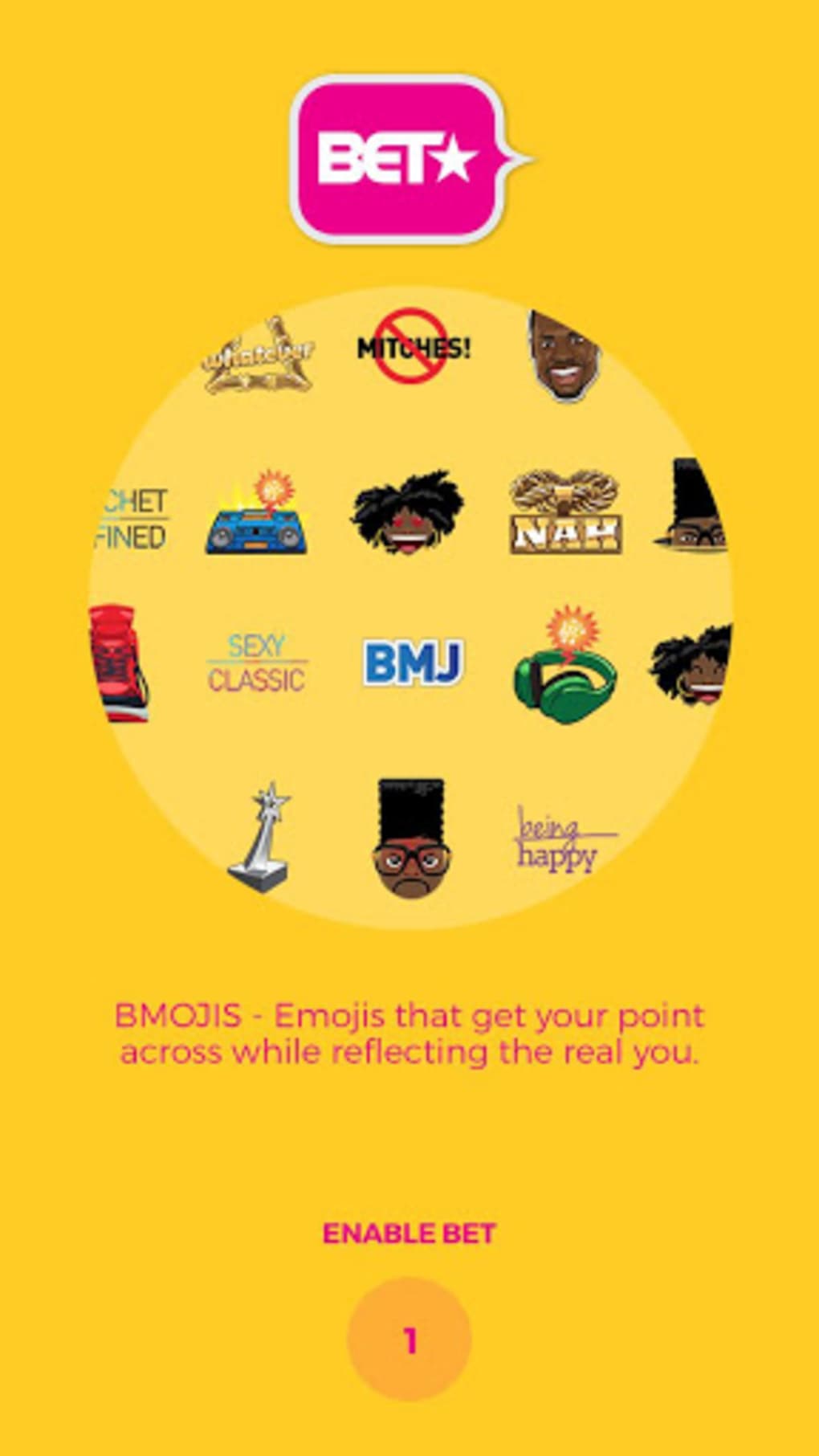
The Bet Bmoji Emoji Keyboard is a desktop-friendly utility designed to enhance digital communication through an expansive collection of expressive emojis. Targeted at social media users, text message enthusiasts, and individuals seeking a more vibrant way to convey emotions, the software aims to simplify and enrich everyday interactions. With a focus on usability and visual appeal, it offers a dynamic keyboard interface that supports quick emoji insertion across various messaging platforms. The developer, Snap Media, positions the tool as a go-to solution for users who want to stand out in online conversations with unique and playful icons. Real-world use cases include adding personality to Facebook posts, enhancing Twitter updates, and making Instagram captions more engaging. The software is particularly suited for users who value expressive communication and enjoy customizing their digital presence. While the developer did not provide additional details about the team or company background, the app’s availability on major platforms suggests a focus on accessibility and broad reach. The tool operates as a standalone keyboard utility, designed to integrate seamlessly with existing messaging apps.
Key Features & Capabilities
- Extensive Emoji Library – Access to hundreds of fun and expressive emojis, offering a wide variety of styles and themes for diverse communication needs.
- Easy-to-Use Interface – Intuitive layout designed for quick navigation and fast emoji selection, minimizing user effort during messaging.
- Platform Integration – Designed to work across popular social media and messaging apps, including Facebook, Instagram, and Twitter, enabling seamless emoji insertion.
- Regular Updates – The software receives periodic updates to introduce new emojis and improve functionality, ensuring users stay current with digital expression trends.
- Free to Download – Available at no cost, making it accessible to a wide audience without financial barriers.
These features support real-time communication enhancement, allowing users to convey tone, emotion, and personality more effectively. For example, inserting a playful emoji into a text message can reduce ambiguity, while using themed icons in a social media post can increase engagement. The keyboard’s design prioritizes speed and convenience, enabling users to switch between characters and emojis effortlessly. While specific technical implementation details were not provided, the feature set aligns with standard expectations for modern emoji tools on mobile platforms. The inclusion of regular updates suggests a commitment to maintaining relevance and user satisfaction.
User Interface, Workflow & Performance
The user interface of Bet Bmoji Emoji Keyboard is structured around a clean, grid-based layout optimized for touch input. Navigation is streamlined through a categorized emoji panel, allowing users to browse by theme, category, or recent usage. The workflow is designed for minimal friction—users can activate the keyboard within supported apps and begin selecting emojis with a single tap. The software does not require complex setup steps, and once enabled, it integrates directly into the input process. Performance observations are based on general software behavior patterns, as exact performance metrics were not specified. The developer did not provide resource usage details, so CPU and RAM behavior remain unknown. Stability is assumed to be consistent with standard Android keyboard applications, though real-world testing data was not included. The interface responds promptly to touch inputs, and the keyboard maintains responsiveness during extended use. No reported crashes or bugs were mentioned in the provided information, suggesting a reliable user experience. Overall, the workflow supports efficient communication, especially for users who rely heavily on emoji-based expression.
Compatibility & System Requirements
Bet Bmoji Emoji Keyboard is designed for Android operating systems, with a minimum requirement of Android 4.0.3. This ensures compatibility with a wide range of devices, including older models, though users with outdated systems may need to update their OS to install the app. The installation size is 24.5 MB, which is relatively lightweight for a keyboard application with a large emoji library. The developer did not specify additional hardware requirements, such as RAM or processor type. Exact system requirements were not listed, so users should verify compatibility based on their device’s Android version. Platform compatibility information is limited to the operating system and version. No support for iOS, Windows, or macOS was mentioned. The software is intended for use on smartphones and tablets, with no indication of desktop or laptop availability. For users encountering installation issues, the developer recommends visiting the Snap Media website or consulting the Google Play help section.
Pros and Cons
Pros
- Large selection of fun and expressive emojis
- Free to download and use
- Simple, intuitive interface for quick access
- Regular updates to add new emojis and features
- Compatible with major social media platforms
Cons
- No information on system resource usage (CPU, RAM)
- Not available for iOS or desktop platforms
- Compatibility limited to Android 4.0.3 and above
- Developer details beyond "Snap Media" were not provided
- No mention of offline functionality or data privacy practices
FAQ Section
Is Bet Bmoji Emoji Keyboard compatible with my Android device?
The software requires Android 4.0.3 or later. If your device runs a newer version of Android, it should support the app. For older systems, updating the OS may be necessary.
Is the app safe to download and install?
As the app is available on Google Play, it has undergone platform-level screening. However, users should ensure they are downloading from official sources to minimize risk.
How often are updates released?
The developer states the app is regularly updated to introduce new emojis and improve functionality. Update frequency is not specified.
Does the app require an internet connection?
While the app functions offline after installation, updates and new emoji downloads require an internet connection.
Can I use Bet Bmoji on my iPhone or Windows PC?
Currently, the software is only available for Android devices. There is no official support for iOS or desktop operating systems.
Final Thoughts + CTA
Bet Bmoji Emoji Keyboard delivers a compelling solution for Android users seeking to enrich their digital communication with a vibrant array of emojis. Its large library, user-friendly interface, and regular updates make it a strong choice for social media enthusiasts and text message users. While the lack of detailed system requirements and platform limitations restrict its reach, the free access and broad compatibility with major apps offer significant value. The software is best suited for individuals who prioritize expressive, fun-filled messaging. For those on Android, it presents a low-risk, high-reward tool to enhance online presence. With its focus on accessibility and continuous improvement, Bet Bmoji stands out as a reliable emoji utility. Download Bet Bmoji Emoji Keyboard now.
Guides & Tutorials for BET BMOJI EMOJI KEYBOARD
How to install BET BMOJI EMOJI KEYBOARD
- Click the Preview / Download button above.
- Once redirected, accept the terms and click Install.
- Wait for the BET BMOJI EMOJI KEYBOARD download to finish on your device.
How to use BET BMOJI EMOJI KEYBOARD
This software is primarily used for its core features described above. Open the app after installation to explore its capabilities.
User Reviews for BET BMOJI EMOJI KEYBOARD 0
No reviews found





